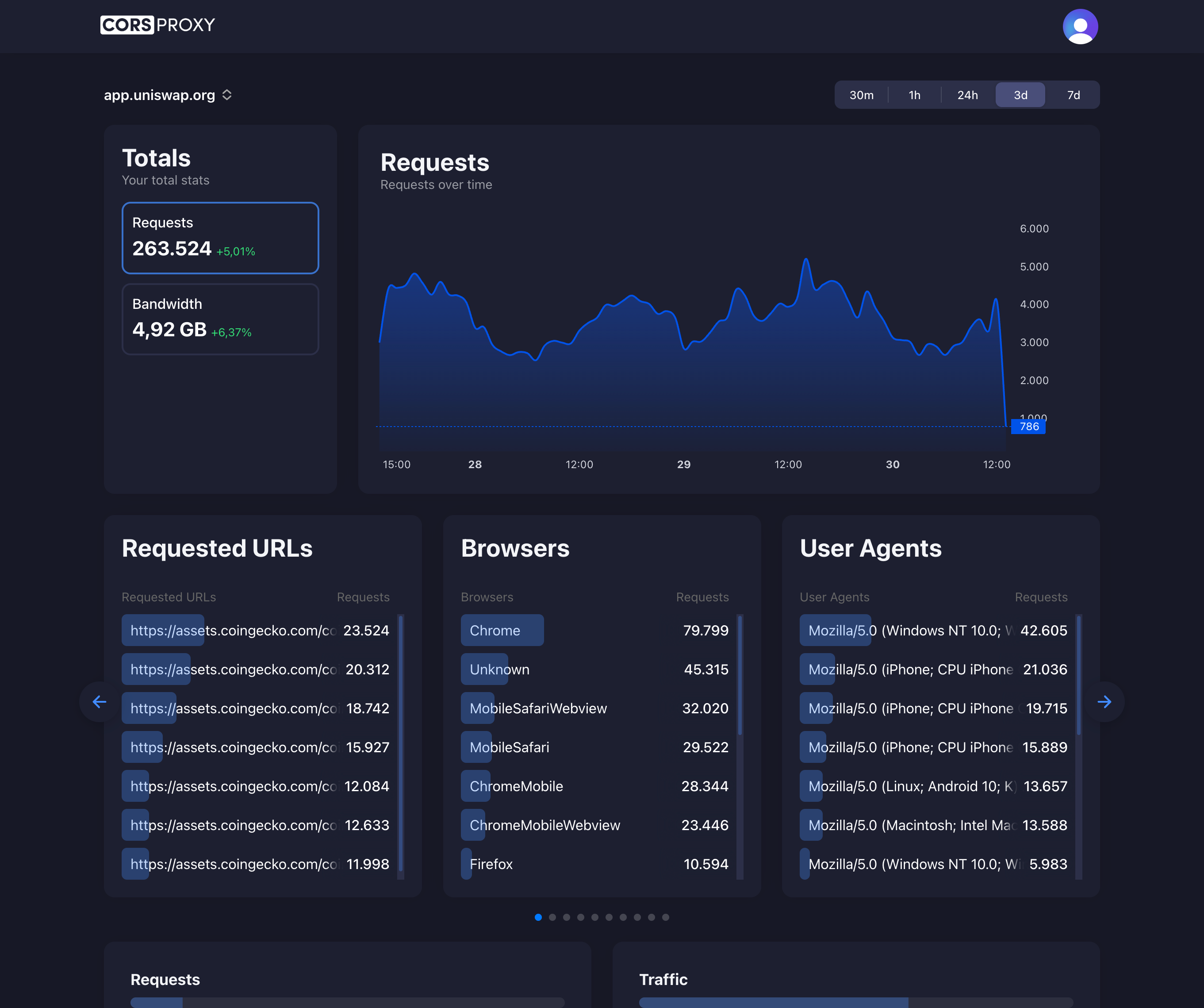
Before copying a CORSPROXY request, replace the API-key placeholder with your account key and register the browser app’s domain. Free is for browser requests; server-side use needs a paid plan, and conversion, extraction, or custom caching needs Production. Follow the first-request guide for setup and error diagnosis.
What is HTTPS?
HTTPS (HyperText Transfer Protocol Secure) is the secure version of HTTP, the protocol used to transfer data between web browsers and websites. HTTPS encrypts all communication between the client and server using SSL/TLS (Secure Sockets Layer/Transport Layer Security) protocols, protecting sensitive information from eavesdropping and tampering.
How HTTPS Works
The TLS Handshake
When you connect to an HTTPS website, a complex handshake occurs:
- Client Hello: Browser sends supported encryption methods
- Server Hello: Server selects encryption method and sends certificate
- Certificate Verification: Browser validates server’s SSL certificate
- Key Exchange: Establishes secure encryption keys
- Encrypted Communication: All data is now encrypted end-to-end
// Modern browsers handle this automatically
fetch('https://api.example.com/data')
  .then(response => {
    // Data received over encrypted HTTPS connection
    // TLS 1.3 with AES-256 encryption
  });
HTTP vs HTTPS
HTTP (Insecure)
Browser → [PLAIN TEXT] → Server
Anyone on network can read: passwords, cookies, API keys
HTTPS (Secure)
Browser → [ENCRYPTED DATA] → Server
Only browser and server can decrypt the communication
Key Differences
| Feature | HTTP | HTTPS |
|---|---|---|
| Port | 80 | 443 |
| Encryption | None | TLS/SSL |
| Certificate | Not required | Required |
| SEO Ranking | Lower | Higher |
| Browser Indicator | ”Not Secure” | Padlock icon |
| Data Integrity | No guarantee | Cryptographically guaranteed |
SSL/TLS Certificates
What Certificates Contain
- Domain name (e.g., corsproxy.io)
- Public key for encryption
- Certificate Authority (CA) signature
- Expiration date
- Organization details (for EV certificates)
Types of Certificates
Domain Validation (DV)
- Basic encryption
- Validates domain ownership only
- Free options available (Let’s Encrypt)
- Issued in minutes
Organization Validation (OV)
- Validates organization identity
- Shows organization name in certificate
- More trustworthy than DV
- Typical cost: $50-$200/year
Extended Validation (EV)
- Rigorous identity verification
- Company name in browser address bar (some browsers)
- Highest trust level
- Typical cost: $100-$1000+/year
Certificate Authorities (CAs)
Trusted organizations that issue SSL certificates:
- Let’s Encrypt (free, automated)
- DigiCert
- GlobalSign
- Cloudflare (used by CorsProxy)
HTTPS and Web Development
Mixed Content Issues
<!-- HTTPS page loading HTTP resource -->
<script src="http://example.com/script.js"></script>
<!-- Browsers block this for security -->

<!-- Correct: Use HTTPS for all resources -->
<script src="https://example.com/script.js"></script>
Modern browsers block mixed content (HTTP resources on HTTPS pages) to prevent security vulnerabilities.
Forcing HTTPS
// Redirect HTTP to HTTPS
if (location.protocol !== 'https:') {
  location.replace(
    `https:${location.href.substring(location.protocol.length)}`
  );
}
HSTS (HTTP Strict Transport Security)
Strict-Transport-Security: max-age=31536000; includeSubDomains; preload
This header tells browsers to:
- Only connect via HTTPS
- Automatically upgrade HTTP requests to HTTPS
- Refuse insecure connections
CorsProxy implements HSTS for all proxied requests.
HTTPS in API Development
Secure API Requests
// All modern APIs require HTTPS
const response = await fetch('https://api.github.com/users/octocat', {
  headers: {
    'Authorization': `token ${GITHUB_TOKEN}`,
    'Accept': 'application/vnd.github.v3+json'
  }
});

// Never send credentials over HTTP
// fetch('http://api.example.com/login', {
//   body: JSON.stringify({ password: 'secret' })
// });
Certificate Pinning
For high-security applications, validate the exact certificate:
// Browser doesn't support this directly
// But mobile apps and backend services can

// Node.js example
import https from 'https';

const expectedFingerprint = 'AA:BB:CC:...';

https.get('https://api.example.com', {
  checkServerIdentity: (host, cert) => {
    if (cert.fingerprint !== expectedFingerprint) {
      throw new Error('Certificate mismatch');
    }
  }
});
HTTPS and CORS
Mixed Content and CORS
// HTTPS page trying to fetch HTTP resource
fetch('http://api.example.com/data')
  // Blocked by mixed content policy before CORS even applies
  .catch(error => {
    console.error('Mixed content blocked');
  });

// Solution 1: Use HTTPS for the API
fetch('https://api.example.com/data')

// Solution 2: Use CorsProxy (automatically upgrades to HTTPS)
fetch('https://corsproxy.io/?key=YOUR_API_KEY&url=http://api.example.com/data', {
  headers: { 'x-cors-api-key': 'your-key' }
})
CorsProxy HTTPS Benefits
All requests through CorsProxy are automatically secured:
- TLS 1.3 encryption
- HTTP/2 and HTTP/3 support
- Automatic certificate management
- HSTS enforcement
- Mixed content resolution
// Even if origin is HTTP, connection to CorsProxy is HTTPS
const data = await fetch(
  'https://corsproxy.io/?key=YOUR_API_KEY&url=http://legacy-api.com/data',
  {
    headers: {
      'x-cors-api-key': process.env.CORS_API_KEY
    }
  }
).then(r => r.json());

// Your browser ↔ CorsProxy: HTTPS (encrypted)
// CorsProxy ↔ legacy-api.com: HTTP (but isolated from your network)
Performance Considerations
HTTPS Overhead
Myth: HTTPS is significantly slower than HTTP
Reality: Modern hardware makes the difference negligible
- TLS 1.3 reduced handshake time by 50%
- HTTP/2 and HTTP/3 require HTTPS and improve performance
- Session resumption eliminates handshake on repeat visits
- OCSP stapling reduces certificate validation time
Optimization Techniques
// Enable HTTP/2 (requires HTTPS)
// Multiplexes requests over single connection
// No need for domain sharding or request combining

// Modern fetch() automatically uses HTTP/2 when available
const [data1, data2, data3] = await Promise.all([
  fetch('https://api.example.com/endpoint1').then(r => r.json()),
  fetch('https://api.example.com/endpoint2').then(r => r.json()),
  fetch('https://api.example.com/endpoint3').then(r => r.json())
]);
// All three requests use same TLS connection
Security Features of HTTPS
Prevents Man-in-the-Middle (MITM) Attacks
Without HTTPS:
You → [📧 "password123"] → Attacker → [📧 "password123"] → Server
        Attacker can read and modify everything
With HTTPS:
You → [🔒 encrypted] → Attacker → [🔒 encrypted] → Server
        Attacker sees gibberish, can't modify
Data Integrity
HTTPS uses HMAC (Hash-based Message Authentication Code) to ensure:
- Data wasn’t modified in transit
- Messages came from the expected sender
- Replay attacks are prevented
Forward Secrecy
Modern TLS implementations use ephemeral key exchange:
- Even if server’s private key is compromised later
- Past communications remain secure
- Each session uses unique encryption keys
Common HTTPS Issues
Self-Signed Certificates
// Development environment with self-signed cert
fetch('https://localhost:3000/api')
  // Browser shows security warning
// Error: NET::ERR_CERT_AUTHORITY_INVALIDSolutions:
- Use mkcert for local development
- Add certificate to system trust store
- Use
localhost(browsers trust automatically) - Use CorsProxy in development (handles HTTPS for you)
Certificate Expiration
// Expired certificate
fetch('https://expired-cert.badssl.com/')
  .catch(error => {
    // Error: NET::ERR_CERT_DATE_INVALID
});Prevention:
- Use automated renewal (Let’s Encrypt, Cloudflare)
- Set up expiration monitoring
- Use certificate management services
Mixed Content Warnings
<!-- Fix all resources to use HTTPS -->
<link rel="stylesheet" href="https://cdn.example.com/style.css">
<script src="https://cdn.example.com/script.js"></script>
<img src="https://images.example.com/photo.jpg">

<!-- Or use protocol-relative URLs (not recommended anymore) -->
<!-- <img src="//images.example.com/photo.jpg"> -->
HTTPS and SEO
Google and other search engines prioritize HTTPS:
Ranking Boost
- HTTPS is a ranking signal
- Sites with HTTPS rank higher than HTTP equivalents
- Essential for e-commerce and sites handling sensitive data
Chrome Indicators
- HTTPS: Padlock icon
- HTTP: “Not Secure” warning
- Builds user trust and credibility
Implementing HTTPS
Getting a Free Certificate
# Using Certbot (Let's Encrypt)
sudo certbot --nginx -d yourdomain.com -d www.yourdomain.com

# Auto-renewal
sudo certbot renew --dry-run
Cloudflare Setup (Used by CorsProxy)
# 1. Add domain to Cloudflare
# 2. Update nameservers
# 3. Enable "Flexible" or "Full (Strict)" SSL mode
# 4. Enable "Always Use HTTPS"
# 5. Enable HSTS
Verifying HTTPS Configuration
# Test SSL configuration
openssl s_client -connect corsproxy.io:443 -servername corsproxy.io

# Check certificate details
curl -vI https://corsproxy.io

# Use online tools
# - SSL Labs (ssllabs.com)
# - securityheaders.com
HTTPS Best Practices
- Use TLS 1.2+: Disable older, insecure versions
- Strong Cipher Suites: AES-GCM, ChaCha20-Poly1305
- Enable HSTS: Force HTTPS for all requests
- OCSP Stapling: Improve certificate validation performance
- Certificate Transparency: Monitor for unauthorized certificates
- Regular Updates: Keep TLS libraries current
- Redirect HTTP to HTTPS: Ensure all traffic is encrypted
Future of HTTPS
HTTP/3 and QUIC
- Built on UDP instead of TCP
- Faster connection establishment
- Better performance on unreliable networks
- Zero round-trip connection resumption
CorsProxy supports HTTP/3 where available.
Post-Quantum Cryptography
- Preparing for quantum computer threats
- New encryption algorithms being standardized
- Migration will be transparent to users