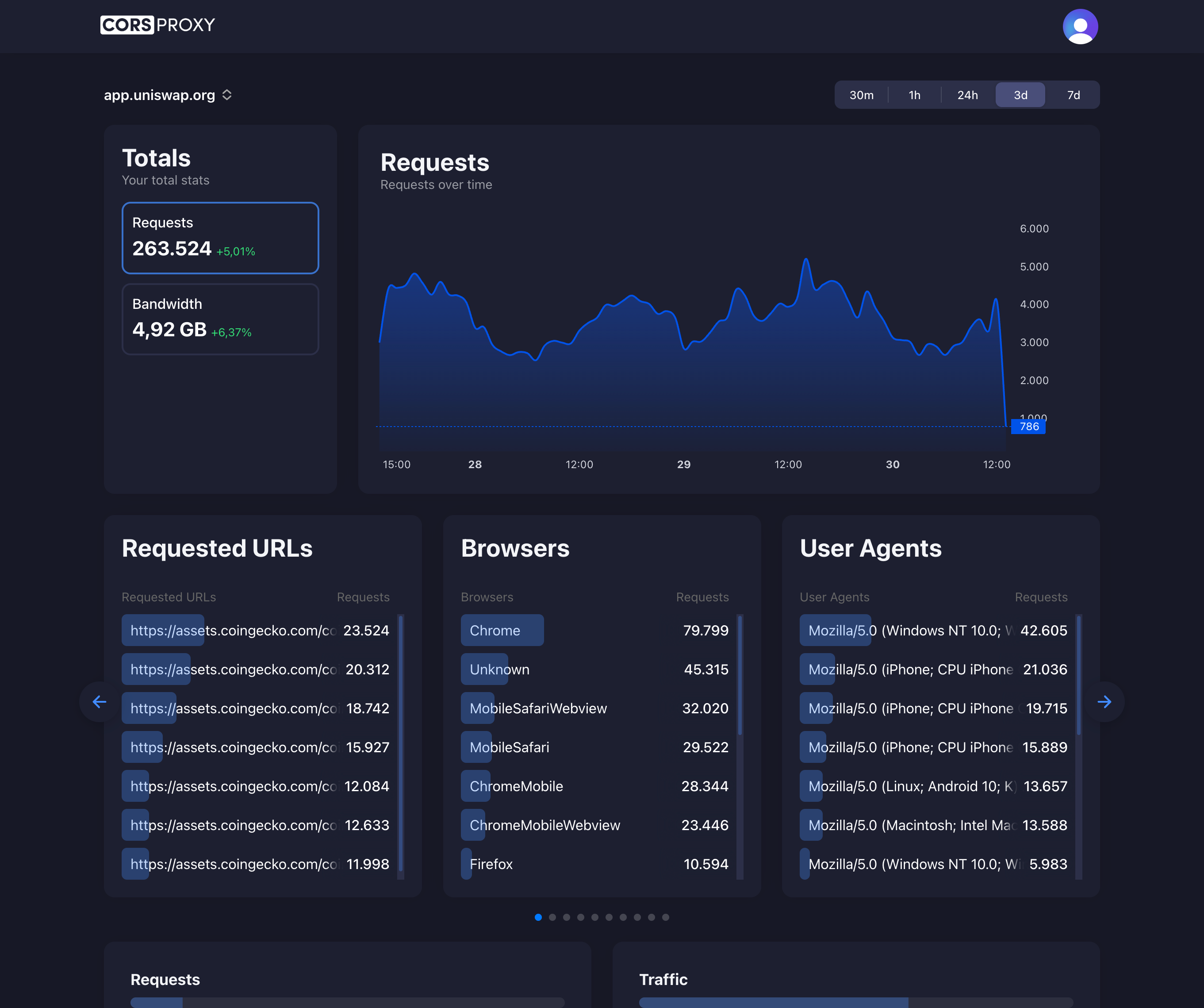
Before copying a CORSPROXY request, replace the API-key placeholder with your account key and register the browser app’s domain. Free is for browser requests; server-side use needs a paid plan, and conversion, extraction, or custom caching needs Production. Follow the first-request guide for setup and error diagnosis.
PlayFab by Microsoft is a powerful backend platform for games, offering authentication, leaderboards, player data, and more. When integrating PlayFab into browser-based games, developers sometimes encounter CORS issues that prevent the SDK from communicating with PlayFab servers. This guide explains why these issues occur and how to resolve them.
Table of Contents
- Understanding PlayFab’s Architecture
- Common CORS Scenarios
- Using the Correct SDK
- Browser SDK Implementation
- Handling Authentication
- Troubleshooting CORS Errors
- Using a CORS Proxy
- Best Practices
Understanding PlayFab’s Architecture
PlayFab is a managed Backend-as-a-Service (BaaS) platform. When your game makes API calls, requests go to PlayFab’s servers at domains like:
https://<titleId>.playfabapi.comhttps://playfab.com
Since PlayFab is a Microsoft-managed service, CORS is typically handled on their end. However, configuration issues, network restrictions, or using the wrong SDK can still cause CORS-related problems.
How PlayFab Handles CORS
PlayFab’s API servers are configured to accept requests from browser origins. They send appropriate Access-Control-Allow-Origin headers for standard web game scenarios. However, there are edge cases where you might still encounter issues.
Common CORS Scenarios
Scenario 1: Using the Wrong SDK
Problem: You’re using playfab-sdk (Node.js) instead of playfab-web-sdk (browser).
// This is for Node.js, NOT browsers
const PlayFab = require('playfab-sdk');
Solution: Use the browser-specific SDK.
Scenario 2: Corporate Network Restrictions
Problem: Some corporate firewalls or proxy servers strip CORS headers or block requests entirely.
Solution: Test on a different network or use a VPN during development.
Scenario 3: Mixed Content
Problem: Your game is served over HTTPS but tries to access PlayFab over HTTP.
Solution: Always use HTTPS for PlayFab API calls.
Scenario 4: Custom Proxy Interference
Problem: A reverse proxy in front of your game is modifying or stripping headers.
Solution: Configure your proxy to pass through CORS headers.
Using the Correct SDK
PlayFab provides different SDKs for different platforms. For browser games, you have two options:
Option 1: PlayFab Web SDK (Recommended)
Install via npm:
npm install playfab-web-sdkOr include via CDN:
<script src="https://download.playfab.com/PlayFabClientApi.js"></script>Option 2: Direct API Calls
For more control, make direct fetch requests to PlayFab’s REST API:
async function loginWithCustomId(titleId, customId) {
    const response = await fetch(
        `https://${titleId}.playfabapi.com/Client/LoginWithCustomID`,
        {
            method: 'POST',
            headers: {
                'Content-Type': 'application/json'
            },
            body: JSON.stringify({
                TitleId: titleId,
                CustomId: customId,
                CreateAccount: true
            })
        }
    );

    return response.json();
}
Browser SDK Implementation
Here’s a complete setup for using PlayFab in a browser game:
Basic Setup
<!DOCTYPE html>
<html>
<head>
    <title>My PlayFab Game</title>
    <script src="https://download.playfab.com/PlayFabClientApi.js"></script>
</head>
<body>
    <script>
        // Configure PlayFab
        PlayFab.settings.titleId = "YOUR_TITLE_ID";

        // Login with custom ID
        function login() {
            const request = {
                TitleId: PlayFab.settings.titleId,
                CustomId: "player_" + Date.now(),
                CreateAccount: true
            };

            PlayFabClientSDK.LoginWithCustomID(request, onLogin);
        }

        function onLogin(result, error) {
            if (error) {
                console.error("Login failed:", error.errorMessage);
                return;
            }

            console.log("Logged in! Session ticket:", result.data.SessionTicket);
            // Store session for subsequent requests
            PlayFab.settings.sessionTicket = result.data.SessionTicket;
        }

        // Initialize on load
        login();
    </script>
</body>
</html>
Module-Based Setup
For modern JavaScript projects:
// playfab-client.js
import PlayFab from 'playfab-web-sdk';

class PlayFabClient {
    constructor(titleId) {
        PlayFab.settings.titleId = titleId;
        this.isAuthenticated = false;
    }

    async loginWithCustomId(customId) {
        return new Promise((resolve, reject) => {
            const request = {
                TitleId: PlayFab.settings.titleId,
                CustomId: customId,
                CreateAccount: true
            };

            PlayFabClientSDK.LoginWithCustomID(request, (result, error) => {
                if (error) {
                    reject(new Error(error.errorMessage));
                    return;
                }

                this.isAuthenticated = true;
                resolve(result.data);
            });
        });
    }

    async getLeaderboard(statisticName, maxResults = 10) {
        return new Promise((resolve, reject) => {
            const request = {
                StatisticName: statisticName,
                MaxResultsCount: maxResults
            };

            PlayFabClientSDK.GetLeaderboard(request, (result, error) => {
                if (error) {
                    reject(new Error(error.errorMessage));
                    return;
                }
                resolve(result.data.Leaderboard);
            });
        });
    }

    async updatePlayerStatistics(statistics) {
        return new Promise((resolve, reject) => {
            const request = {
                Statistics: statistics.map(stat => ({
                    StatisticName: stat.name,
                    Value: stat.value
                }))
            };

            PlayFabClientSDK.UpdatePlayerStatistics(request, (result, error) => {
                if (error) {
                    reject(new Error(error.errorMessage));
                    return;
                }
                resolve(result.data);
            });
        });
    }
}

export default PlayFabClient;
Usage in Your Game
import PlayFabClient from './playfab-client.js';

const playfab = new PlayFabClient('YOUR_TITLE_ID');

async function initGame() {
    try {
        // Login
        const loginResult = await playfab.loginWithCustomId('player123');
        console.log('Welcome,', loginResult.PlayFabId);

        // Get leaderboard
        const leaderboard = await playfab.getLeaderboard('HighScore');
        displayLeaderboard(leaderboard);

    } catch (error) {
        console.error('PlayFab error:', error.message);
        handlePlayFabError(error);
    }
}
Handling Authentication
Device-Based Authentication
For casual web games, device-based login is common:
function getDeviceId() {
    let deviceId = localStorage.getItem('playfab_device_id');
    if (!deviceId) {
        deviceId = 'web_' + crypto.randomUUID();
        localStorage.setItem('playfab_device_id', deviceId);
    }
    return deviceId;
}

async function autoLogin() {
    const deviceId = getDeviceId();
    return playfab.loginWithCustomId(deviceId);
}
Email Authentication
async function loginWithEmail(email, password) {
    return new Promise((resolve, reject) => {
        const request = {
            TitleId: PlayFab.settings.titleId,
            Email: email,
            Password: password
        };

        PlayFabClientSDK.LoginWithEmailAddress(request, (result, error) => {
            if (error) {
                reject(new Error(error.errorMessage));
                return;
            }
            resolve(result.data);
        });
    });
}
Troubleshooting CORS Errors
Step 1: Check the Browser Console
Look for error messages like:
Access to fetch at 'https://XXXXX.playfabapi.com/Client/LoginWithCustomID'
from origin 'http://localhost:3000' has been blocked by CORS policy
Step 2: Verify TLS Version
PlayFab requires TLS 1.2 or higher. Older browsers or restricted environments might fail:
// Check TLS support (indirectly)
async function checkConnectivity() {
    try {
        const response = await fetch('https://www.playfab.com', {
            method: 'HEAD',
            mode: 'no-cors'
        });
        return true;
    } catch (error) {
        console.error('Cannot reach PlayFab servers');
        return false;
    }
}
Step 3: Test with cURL
Verify the API is responding correctly:
curl -X POST "https://YOUR_TITLE_ID.playfabapi.com/Client/LoginWithCustomID" \
  -H "Content-Type: application/json" \
  -d '{"TitleId":"YOUR_TITLE_ID","CustomId":"test123","CreateAccount":true}' \
  -v
Look for Access-Control-Allow-Origin in the response headers.
Step 4: Check Network Tab
In browser DevTools:
- Open Network tab
- Make a PlayFab request
- Look for a failed preflight (OPTIONS) request
- Inspect response headers
Using a CORS Proxy
If you’re experiencing persistent CORS issues (rare with PlayFab but possible), you can route requests through a CORS proxy like corsproxy.io.
Custom Fetch Implementation
const CORS_PROXY = 'https://corsproxy.io/?key=YOUR_API_KEY&url=';
const USE_PROXY = false; // Enable only if needed

async function playFabRequest(titleId, endpoint, body) {
    let url = `https://${titleId}.playfabapi.com${endpoint}`;

    if (USE_PROXY) {
        url = CORS_PROXY + encodeURIComponent(url);
    }

    const response = await fetch(url, {
        method: 'POST',
        headers: {
            'Content-Type': 'application/json'
        },
        body: JSON.stringify(body)
    });

    const data = await response.json();

    if (data.error) {
        throw new Error(data.errorMessage);
    }

    return data.data;
}

// Usage
async function loginViaProxy(titleId, customId) {
    return playFabRequest(titleId, '/Client/LoginWithCustomID', {
        TitleId: titleId,
        CustomId: customId,
        CreateAccount: true
    });
}
When to Use a Proxy
Only use a CORS proxy for PlayFab if:
- You’re in a restricted network environment
- You’re testing and need a quick workaround
- PlayFab’s servers are having temporary CORS configuration issues
For production games, work with PlayFab support to resolve underlying issues rather than relying on a proxy.
Best Practices
1. Always Use HTTPS
// Ensure your game is served over HTTPS
if (location.protocol !== 'https:' && location.hostname !== 'localhost') {
    location.replace('https://' + location.host + location.pathname);
}
2. Handle Errors Gracefully
async function safePlayFabCall(apiCall) {
    try {
        return await apiCall();
    } catch (error) {
        if (error.message.includes('CORS') || error.message.includes('network')) {
            showMessage('Connection error. Please check your internet connection.');
        } else if (error.message.includes('TitleId')) {
            console.error('Invalid PlayFab configuration');
        } else {
            showMessage('An error occurred. Please try again.');
        }
        return null;
    }
}
3. Implement Retry Logic
async function withRetry(fn, maxRetries = 3, delay = 1000) {
    for (let attempt = 1; attempt <= maxRetries; attempt++) {
        try {
            return await fn();
        } catch (error) {
            if (attempt === maxRetries) throw error;
            await new Promise(resolve => setTimeout(resolve, delay * attempt));
        }
    }
}

// Usage
const leaderboard = await withRetry(() => playfab.getLeaderboard('HighScore'));
4. Cache Responses
class CachedPlayFabClient extends PlayFabClient {
    constructor(titleId) {
        super(titleId);
        this.cache = new Map();
        this.cacheTTL = 60000; // 1 minute
    }

    async getLeaderboard(statisticName, maxResults = 10) {
        const cacheKey = `leaderboard_${statisticName}_${maxResults}`;
        const cached = this.cache.get(cacheKey);

        if (cached && Date.now() - cached.timestamp < this.cacheTTL) {
            return cached.data;
        }

        const data = await super.getLeaderboard(statisticName, maxResults);
        this.cache.set(cacheKey, { data, timestamp: Date.now() });
        return data;
    }
}
5. Secure Your Title ID
While the Title ID is public, avoid exposing sensitive configuration:
// Use environment variables during build
const config = {
    titleId: process.env.PLAYFAB_TITLE_ID || 'FALLBACK_ID'
};
Conclusion
CORS issues with PlayFab in browser games are relatively uncommon because PlayFab’s infrastructure is designed for web access. Most problems stem from:
- Using the wrong SDK (Node.js vs. browser)
- Network configuration issues
- Development environment quirks
By using the correct playfab-web-sdk, implementing proper error handling, and understanding how CORS works, you can build robust browser games with PlayFab’s powerful backend services.
If you continue experiencing CORS issues after following this guide, consider using corsproxy.io as a temporary solution while working with PlayFab support to identify the root cause.