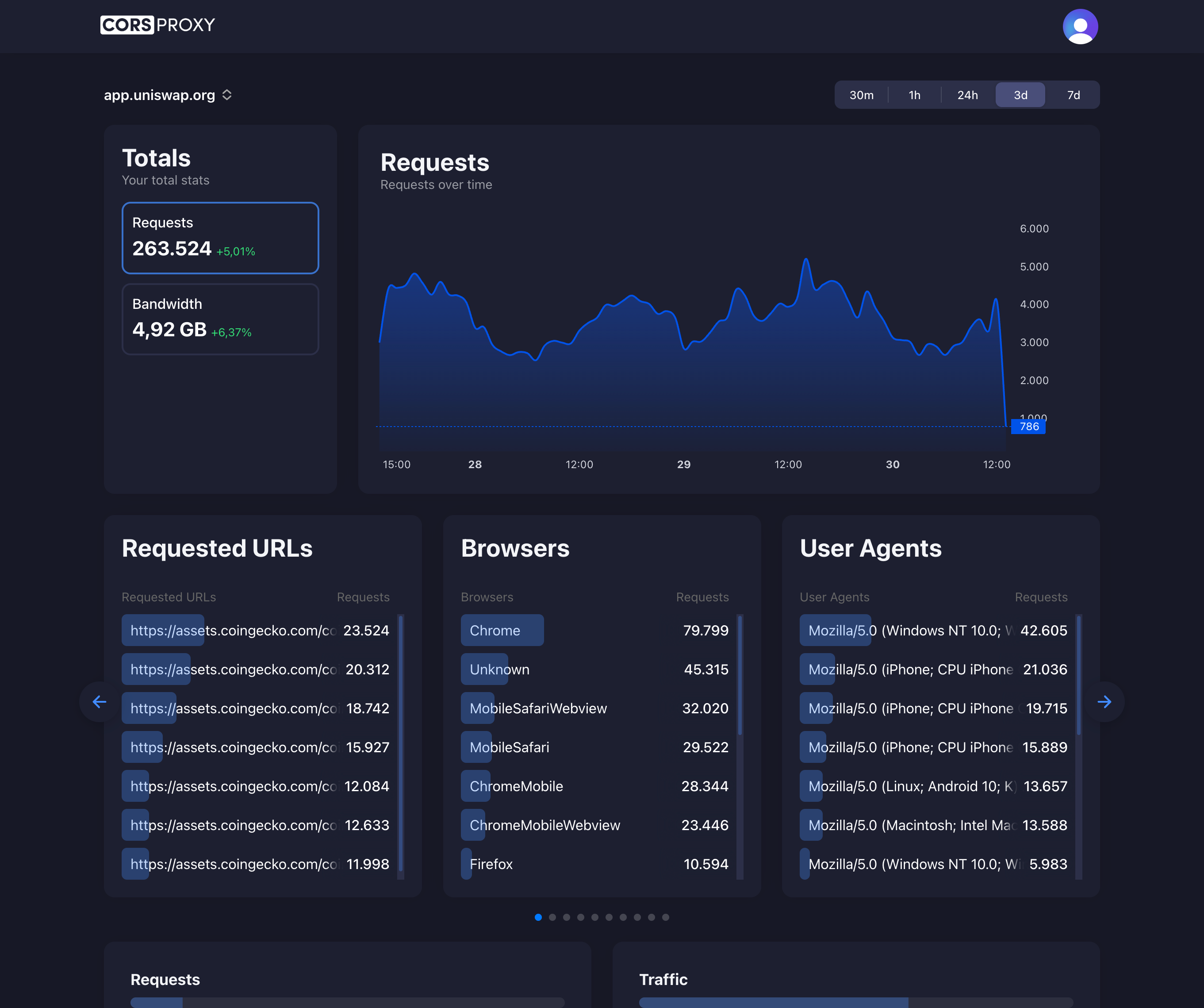
Before copying a CORSPROXY request, replace the API-key placeholder with your account key and register the browser app’s domain. Free is for browser requests; server-side use needs a paid plan, and conversion, extraction, or custom caching needs Production. Follow the first-request guide for setup and error diagnosis.
What is SOCKS5?
SOCKS5 (Socket Secure version 5) is an internet protocol that exchanges network packets between a client and server through a proxy server. Unlike HTTP proxies that only handle web traffic, SOCKS5 can proxy any type of traffic including HTTP, HTTPS, FTP, and even UDP, making it more versatile.
SOCKS5 vs HTTP Proxy
| Feature | SOCKS5 | HTTP Proxy |
|---|---|---|
| Protocol Support | Any (TCP/UDP) | HTTP/HTTPS only |
| Layer | Session layer (Layer 5) | Application layer (Layer 7) |
| Speed | Faster | Slower |
| Headers | No modification | Modifies headers |
| Use Cases | P2P, gaming, torrents | Web browsing, APIs |
How SOCKS5 Works
1. Client connects to SOCKS5 proxy
2. Client sends authentication (if required)
3. Client sends connection request
4. Proxy establishes connection to destination
5. Data flows through proxy
SOCKS5 Authentication
No Authentication
Client → Proxy: "SOCKS5 supported"
Proxy → Client: "No authentication required"
Username/Password
Client → Proxy: "SOCKS5 with auth"
Proxy → Client: "Send credentials"
Client → Proxy: username + password
Proxy → Client: "Authenticated"
Using SOCKS5
cURL with SOCKS5
# Basic SOCKS5 proxy
curl -x socks5://proxy.example.com:1080 \
     https://api.example.com

# With authentication
curl -x socks5://user:pass@proxy.example.com:1080 \
     https://api.example.com

# SOCKS5h (DNS over SOCKS)
curl -x socks5h://proxy.example.com:1080 \
     https://api.example.com
SSH SOCKS5 Tunnel
# Create SOCKS5 tunnel via SSH
ssh -D 1080 -N user@remote-server

# Use the tunnel
curl -x socks5://localhost:1080 https://api.example.com
Browser Configuration
// Firefox about:config
network.proxy.type = 1
network.proxy.socks = "proxy.example.com"
network.proxy.socks_port = 1080
network.proxy.socks_version = 5
Node.js with SOCKS5
import { SocksProxyAgent } from 'socks-proxy-agent';

const agent = new SocksProxyAgent('socks5://proxy.example.com:1080');

const response = await fetch('https://api.example.com', {
  agent
});
SOCKS5 Use Cases
Bypassing Restrictions
// Access blocked services
const agent = new SocksProxyAgent({
  hostname: 'proxy.example.com',
  port: 1080,
  userId: 'username',
  password: 'password'
});

const response = await fetch('https://blocked-site.com', {
  agent
});
P2P Applications
# Configure torrent client to use SOCKS5
# Proxy: socks5://proxy.example.com:1080
# All torrent traffic routed through proxy
Gaming
Game Client → SOCKS5 Proxy → Game Server
- Lower latency than VPN
- Works with any protocol
- UDP support for real-time gaming
Setting Up SOCKS5 Proxy
Using SSH (Simple)
# Create SOCKS5 proxy on port 1080
ssh -D 1080 -C -N user@remote-server

# Explanation:
# -D 1080: Create SOCKS5 on port 1080
# -C: Compress data
# -N: No remote command execution
Using Dante (Advanced)
# Install Dante SOCKS server
sudo apt install dante-server

# Configure /etc/danted.conf
logoutput: syslog
internal: eth0 port = 1080
external: eth0

method: username none
user.privileged: root
user.notprivileged: nobody

client pass {
    from: 0.0.0.0/0 to: 0.0.0.0/0
}

socks pass {
    from: 0.0.0.0/0 to: 0.0.0.0/0
}

# Start service
sudo systemctl start danted
SOCKS5 vs VPN
| Feature | SOCKS5 | VPN |
|---|---|---|
| Encryption | No | Yes |
| Speed | Faster | Slower |
| Scope | App-level | System-wide |
| Security | Lower | Higher |
| Setup | Easier | More complex |
| Cost | Usually cheaper | More expensive |
SOCKS5 Security
No Built-in Encryption
[WARNING] SOCKS5 doesn't encrypt data
Use with HTTPS/TLS for security

Client → SOCKS5 → Server
         [Not encrypted]
Combine with TLS
# HTTPS over SOCKS5 = Encrypted
curl -x socks5://proxy.example.com:1080 \
     https://api.example.com

# Client ←[Unencrypted]→ SOCKS5 ←[Unencrypted]→ Server
# But HTTPS payload is encrypted
DNS Leaks
Regular SOCKS5
DNS Query → Direct to DNS server (leak!)
HTTP Request → Through SOCKS5 proxy
SOCKS5h (DNS over SOCKS)
# Prevent DNS leaks
curl -x socks5h://proxy.example.com:1080 https://example.com

# DNS resolved by proxy, not locally
Troubleshooting SOCKS5
Connection Refused
# Test SOCKS5 connectivity
nc -zv proxy.example.com 1080

# If failed, check:
# 1. Proxy server running
# 2. Firewall rules
# 3. Correct port
Authentication Failed
# Verify credentials
curl -x socks5://user:pass@proxy.example.com:1080 \
     -v https://api.example.com

# Check response for auth errors
Slow Performance
Possible causes:
1. Proxy server overloaded
2. Network congestion
3. Geographic distance
4. Protocol overhead
SOCKS5 Best Practices
- Use SOCKS5h for DNS privacy
- Combine with HTTPS for encryption
- Choose geographically close proxies
- Implement authentication
- Monitor connection quality
- Use for specific apps only
- Rotate proxies for scraping
SOCKS5 with CorsProxy
CorsProxy primarily uses HTTP/HTTPS proxying optimized for web traffic. For SOCKS5 needs:
// Use CorsProxy for HTTP/HTTPS (optimized)
const webData = await fetch(
  'https://corsproxy.io/?key=YOUR_API_KEY&url=https://api.example.com',
  {
    headers: {
      'x-cors-api-key': process.env.CORS_API_KEY
    }
  }
);

// Use SOCKS5 for non-HTTP protocols
const socksAgent = new SocksProxyAgent('socks5://proxy:1080');
// ... for P2P, gaming, etc.