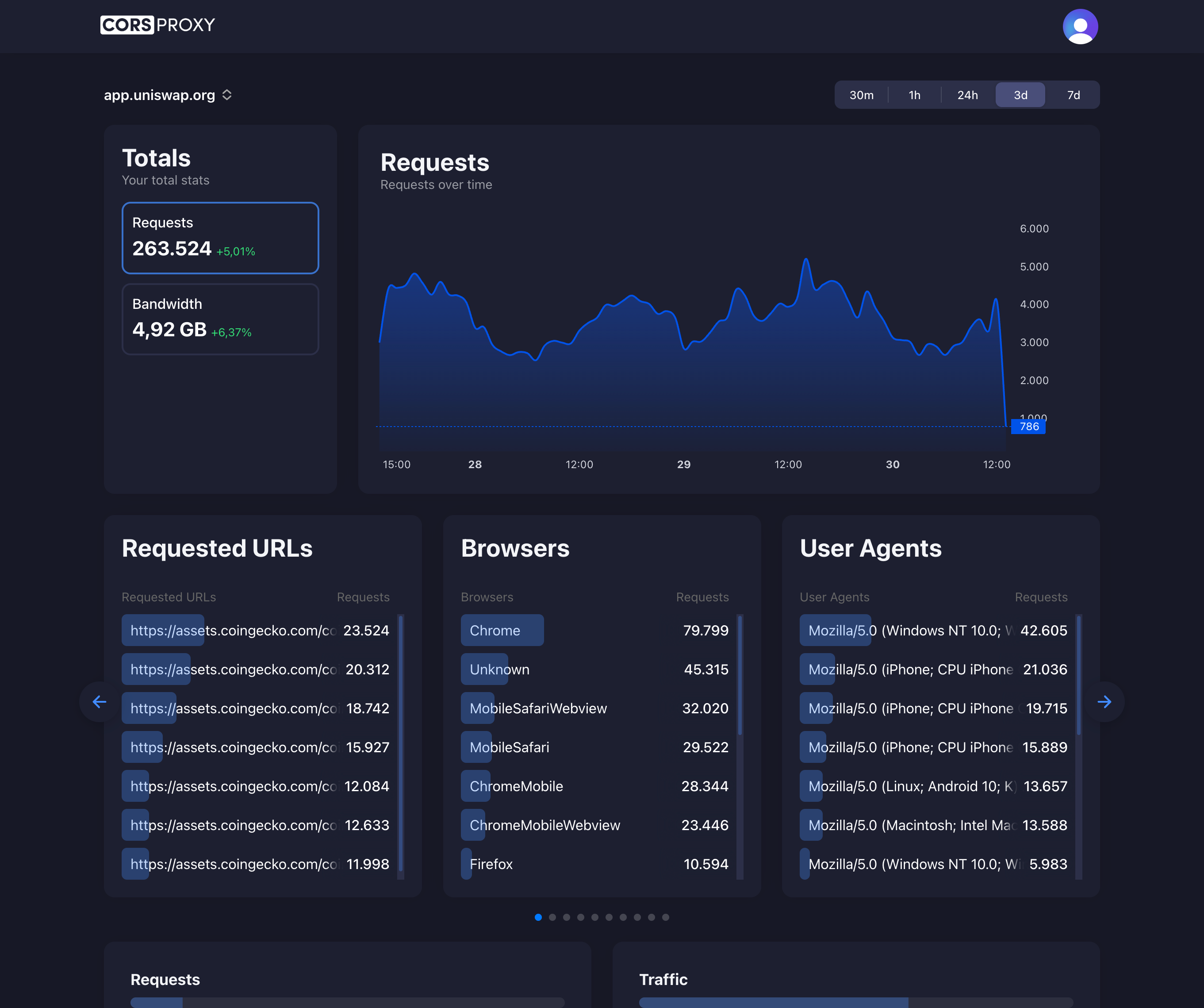
Before copying a CORSPROXY request, replace the API-key placeholder with your account key and register the browser app’s domain. Free is for browser requests; server-side use needs a paid plan, and conversion, extraction, or custom caching needs Production. Follow the first-request guide for setup and error diagnosis.
What is CAPTCHA?
CAPTCHA (Completely Automated Public Turing test to tell Computers and Humans Apart) is a security mechanism designed to distinguish between human users and automated bots. CAPTCHAs present challenges that are easy for humans to solve but difficult for computers, protecting websites from spam, abuse, and automated scraping.
Types of CAPTCHA
Text-Based CAPTCHA
Display distorted text: "Xk7pQ2"
User types: "Xk7pQ2"
Image Recognition
Select all images containing traffic lights
Select all squares with bicycles
Identify objects in photos
reCAPTCHA v2 (Checkbox)
<!-- Google reCAPTCHA v2 -->
<script src="https://www.google.com/recaptcha/api.js" async defer></script>

<form>
  <div class="g-recaptcha" data-sitekey="your-site-key"></div>
  <button type="submit">Submit</button>
</form>
reCAPTCHA v3 (Invisible)
// Automatic background verification
grecaptcha.ready(function() {
  grecaptcha.execute('site-key', {action: 'submit'}).then(function(token) {
    // Send token to server for verification
    fetch('/api/verify', {
      method: 'POST',
      body: JSON.stringify({ token })
    });
  });
});
hCaptcha
<!-- Privacy-focused alternative -->
<script src="https://hcaptcha.com/1/api.js" async defer></script>

<form>
  <div class="h-captcha" data-sitekey="your-site-key"></div>
  <button type="submit">Submit</button>
</form>
CAPTCHA and Web Scraping
Challenge for Scrapers
// CAPTCHA blocks automated requests
const response = await fetch('https://protected-site.com/data');

// Response may be CAPTCHA challenge page instead of data
if (response.headers.get('content-type')?.includes('text/html')) {
  // Likely a CAPTCHA page
  const html = await response.text();
  if (html.includes('g-recaptcha') || html.includes('h-captcha')) {
    console.error('CAPTCHA detected - automated access blocked');
  }
}
Proxy Solutions
// Use CorsProxy with residential IPs to reduce CAPTCHA frequency
const data = await fetch(
  'https://corsproxy.io/?key=YOUR_API_KEY&url=https://target-site.com',
  {
    headers: {
      'x-cors-api-key': process.env.CORS_API_KEY,
      'x-cors-proxy-type': 'residential', // Less likely to trigger CAPTCHA
      'User-Agent': 'Mozilla/5.0 ...'
    }
  }
);
CAPTCHA Solving Services
2Captcha Integration
class CaptchaSolver {
  private apiKey: string;

  constructor(apiKey: string) {
    this.apiKey = apiKey;
  }

  async solveRecaptcha(siteKey: string, pageUrl: string): Promise<string> {
    // Submit CAPTCHA to solving service
    const submitResponse = await fetch(
      'https://2captcha.com/in.php',
      {
        method: 'POST',
        body: new URLSearchParams({
          key: this.apiKey,
          method: 'userrecaptcha',
          googlekey: siteKey,
          pageurl: pageUrl,
          json: '1'
        })
      }
    );

    const { request } = await submitResponse.json();

    // Poll for solution
    let solution = null;
    for (let i = 0; i < 120; i++) {
      await new Promise(resolve => setTimeout(resolve, 5000));

      const resultResponse = await fetch(
        `https://2captcha.com/res.php?key=${this.apiKey}&action=get&id=${request}&json=1`
      );

      const result = await resultResponse.json();

      if (result.status === 1) {
        solution = result.request;
        break;
      }
    }

    return solution;
  }
}

// Usage
const solver = new CaptchaSolver('your-2captcha-key');
const token = await solver.solveRecaptcha('site-key', 'https://example.com');

// Submit form with solved CAPTCHA
await fetch('https://example.com/submit', {
  method: 'POST',
  body: JSON.stringify({
    'g-recaptcha-response': token,
    // ... other form data
  })
});
Avoiding CAPTCHA
Human-Like Behavior
class HumanLikeBot {
  async fetchWithDelay(url: string) {
    // Random delays between requests
    const delay = 2000 + Math.random() * 3000; // 2-5 seconds
    await new Promise(resolve => setTimeout(resolve, delay));

    return fetch(`https://corsproxy.io/?key=YOUR_API_KEY&url=${encodeURIComponent(url)}`, {
      headers: {
        'x-cors-api-key': process.env.CORS_API_KEY,
        'User-Agent': this.getRandomUserAgent(),
        'Accept': 'text/html,application/xhtml+xml',
        'Accept-Language': 'en-US,en;q=0.9',
        'Referer': 'https://www.google.com/'
      }
    });
  }

  private getRandomUserAgent(): string {
    const agents = [
      'Mozilla/5.0 (Windows NT 10.0; Win64; x64) Chrome/120.0.0.0',
      'Mozilla/5.0 (Macintosh; Intel Mac OS X 10_15_7) Safari/605.1.15',
      'Mozilla/5.0 (X11; Linux x86_64) Firefox/121.0'
    ];
    return agents[Math.floor(Math.random() * agents.length)];
  }
}
Session Management
// Maintain cookies and sessions
class SessionManager {
  private cookies: string[] = [];

  async makeRequest(url: string) {
    const response = await fetch(`https://corsproxy.io/?key=YOUR_API_KEY&url=${encodeURIComponent(url)}`, {
      headers: {
        'x-cors-api-key': process.env.CORS_API_KEY,
        'Cookie': this.cookies.join('; ')
      }
    });

    // Store cookies from response
    const setCookies = response.headers.get('set-cookie');
    if (setCookies) {
      this.cookies.push(setCookies);
    }

    return response;
  }
}
CAPTCHA Best Practices
For Website Owners
- Use reCAPTCHA v3 for invisible protection
- Implement rate limiting
- Monitor for suspicious patterns
- Use honeypot fields
For Developers
- Respect robots.txt
- Use proper delays between requests
- Identify your bot in User-Agent
- Obtain permission for scraping