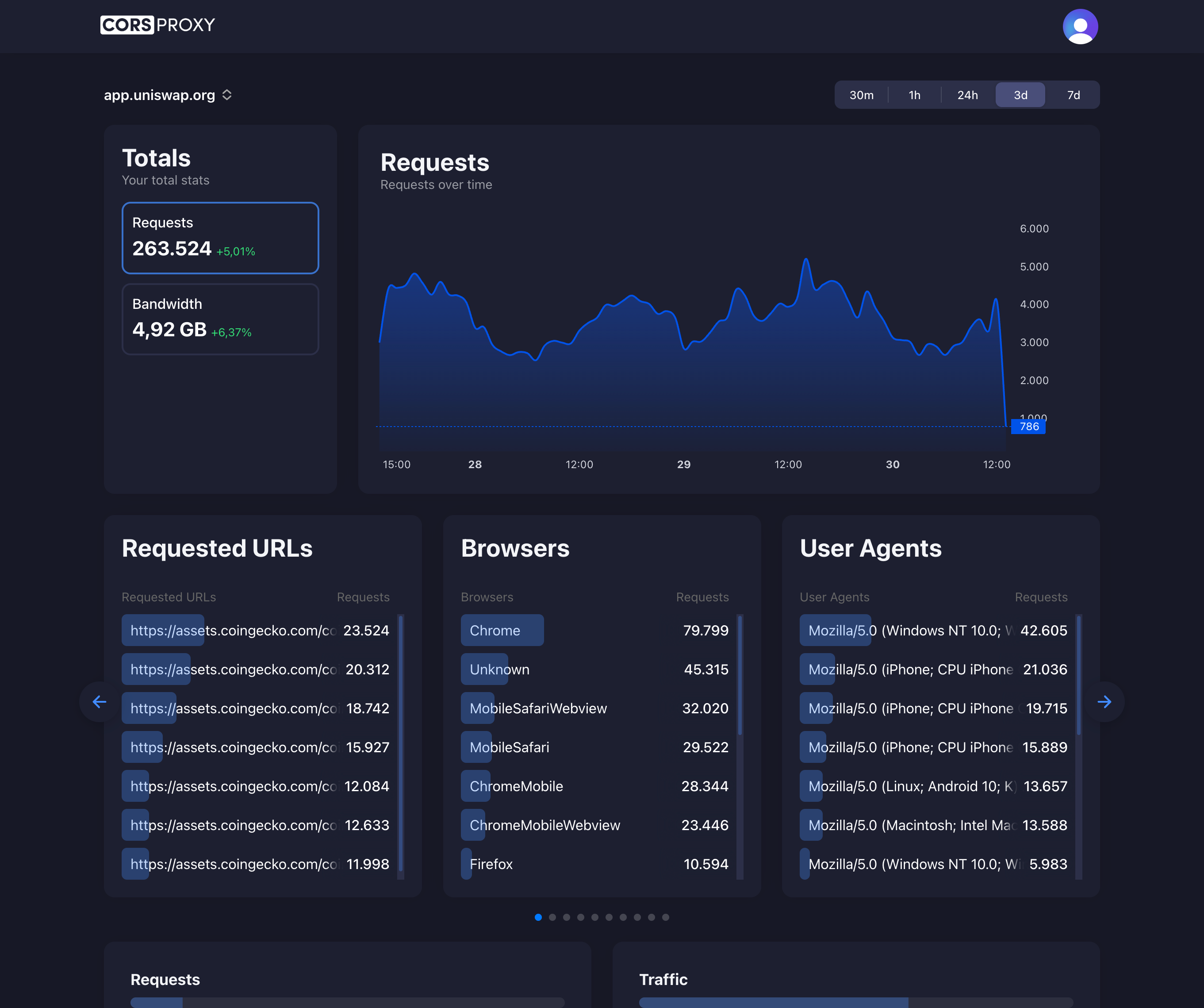
Before copying a CORSPROXY request, replace the API-key placeholder with your account key and register the browser app’s domain. Free is for browser requests; server-side use needs a paid plan, and conversion, extraction, or custom caching needs Production. Follow the first-request guide for setup and error diagnosis.
What is BeautifulSoup?
BeautifulSoup is a Python library designed for parsing HTML and XML documents, making it one of the most popular tools for web scraping and data extraction. Created by Leonard Richardson, BeautifulSoup transforms complex HTML markup into a navigable tree structure, allowing developers to search, extract, and manipulate web page data with intuitive Python code.
Unlike browser automation tools like Playwright or Puppeteer that control actual browsers, BeautifulSoup works directly with HTML source code. It receives HTML as text input and creates a parse tree representing the document’s structure, enabling developers to traverse and search this tree using simple methods and CSS selectors.
Why BeautifulSoup is Popular
Simplicity and Ease of Use
BeautifulSoup’s primary advantage is its extremely low learning curve. Developers can start extracting data from websites within minutes of installing the library. The API uses intuitive methods like find(), find_all(), and CSS selectors that feel natural to anyone familiar with HTML structure.
The library handles broken HTML gracefully, automatically fixing common markup errors that would cause strict parsers to fail. This fault tolerance makes BeautifulSoup ideal for scraping real-world websites where HTML isn’t always perfectly formatted.
Comprehensive Documentation
BeautifulSoup features extensive, well-written documentation with practical examples covering every feature. The documentation includes explanations for beginners and advanced techniques for experienced developers, making it accessible to all skill levels.
Active Community
With millions of downloads monthly, BeautifulSoup has a massive community of developers. Stack Overflow contains thousands of answered questions, tutorials abound across the web, and most Python web scraping courses feature BeautifulSoup prominently.
Common Use Cases
E-commerce Price Monitoring
Online retailers use BeautifulSoup to monitor competitor pricing. Scripts scrape product pages daily, extracting current prices, availability status, and promotional offers. This competitive intelligence drives dynamic pricing strategies and ensures businesses remain competitive.
Price comparison websites rely heavily on BeautifulSoup to aggregate pricing data from hundreds of e-commerce sites, providing consumers with comprehensive price comparisons across retailers.
News and Content Aggregation
Media monitoring services use BeautifulSoup to scrape news websites, extracting headlines, article content, publication dates, and author information. These aggregators compile news from diverse sources into centralized platforms.
Content curation tools leverage BeautifulSoup to automatically discover, extract, and categorize relevant content based on keywords and topics, saving hours of manual research time.
Real Estate Data Collection
Real estate platforms scrape property listings using BeautifulSoup, extracting details like prices, square footage, number of bedrooms, locations, and photos. This aggregated data powers property search engines and market analysis tools.
Real estate investors use BeautifulSoup scripts to identify undervalued properties by analyzing thousands of listings across multiple platforms, finding opportunities before competitors.
Academic Research
Researchers use BeautifulSoup for data collection across numerous academic applications. Social scientists scrape social media profiles, economists collect financial data, and historians digitize archives. BeautifulSoup democratizes large-scale data collection for academic purposes.
SEO and Marketing Intelligence
SEO professionals use BeautifulSoup to analyze competitor websites, extracting title tags, meta descriptions, header structures, and internal linking patterns. This competitive analysis informs SEO strategies and content optimization.
Marketing teams scrape review sites to monitor brand sentiment, extracting customer reviews and ratings from platforms like Yelp, Amazon, and Google Reviews for sentiment analysis.
How BeautifulSoup Works
HTML Parsing Process
BeautifulSoup doesn’t parse HTML itself—it works as a wrapper around parsing libraries like lxml, html5lib, or Python’s built-in html.parser. When you pass HTML to BeautifulSoup, it uses one of these parsers to build a tree structure representing the document.
The lxml parser is fastest but requires installation. The html.parser comes with Python but is slower. The html5lib parser handles broken HTML most gracefully but is slowest. Most production applications use lxml for its excellent balance of speed and reliability.
Navigating the Parse Tree
Once BeautifulSoup creates the parse tree, developers can navigate it using parent-child relationships. Each HTML element becomes a navigable object with properties for accessing its parent, children, siblings, and attributes.
This tree navigation enables powerful data extraction patterns. You can find a specific element, then navigate to its siblings or children to extract related data, mirroring how humans mentally organize web page structure.
Searching with Selectors
BeautifulSoup supports both method-based searching (find, find_all) and CSS selectors. CSS selectors are particularly powerful because web developers already use them for styling, making the syntax familiar.
Complex searches combine multiple criteria—tag names, class names, IDs, and attribute values—to precisely target desired elements even in complex HTML documents.
Using BeautifulSoup with Proxies
Why Proxies Matter for Web Scraping
Websites implement rate limiting to prevent excessive automated access. Scraping hundreds or thousands of pages from a single IP address triggers these limits, resulting in blocked requests or IP bans. Proxies solve this by distributing requests across multiple IP addresses.
For sites with sophisticated anti-bot protection, residential or mobile proxies make your requests appear as legitimate users browsing from different locations. This dramatically improves success rates compared to datacenter proxies.
Proxy Integration Example
import requests
from bs4 import BeautifulSoup

# Scrape using CorsProxy
target_url = 'https://example.com/products'
proxy_url = f'https://corsproxy.io/?key=YOUR_API_KEY&url={requests.utils.quote(target_url)}'

headers = {
    'x-cors-api-key': 'YOUR_API_KEY',
    'User-Agent': 'Mozilla/5.0 (Windows NT 10.0; Win64; x64) Chrome/120.0.0.0'
}

response = requests.get(proxy_url, headers=headers)
soup = BeautifulSoup(response.text, 'lxml')

# Extract product data
products = soup.select('.product-card')
for product in products:
    name = product.select_one('.product-name').text.strip()
    price = product.select_one('.price').text.strip()
    print(f'{name}: {price}')
This simple integration routes all requests through a proxy service, avoiding rate limits and reducing ban risks while maintaining BeautifulSoup’s ease of use.
BeautifulSoup Performance Considerations
Speed Characteristics
BeautifulSoup operates on static HTML content, making it significantly faster than browser automation tools. Parsing and extracting data from a typical web page takes 50-200 milliseconds with lxml parser, compared to 2-5 seconds for browser automation.
However, BeautifulSoup only works with the initial HTML response. It cannot interact with JavaScript-rendered content, execute scripts, or handle dynamic page changes. For static content sites, this limitation is irrelevant and the speed advantage is substantial.
Scalability
BeautifulSoup scripts scale well horizontally—you can run multiple instances in parallel to scrape hundreds of pages simultaneously. Combined with proxy rotation, this enables scraping thousands of pages per hour with modest hardware.
The library’s minimal resource footprint means you can run dozens of concurrent scraping processes on a single server without performance degradation.
BeautifulSoup vs Alternatives
BeautifulSoup vs Selenium/Playwright
BeautifulSoup parses static HTML while Selenium and Playwright control actual browsers. BeautifulSoup is 10-50x faster and uses far fewer resources but cannot handle JavaScript-rendered content or interactive elements.
Use BeautifulSoup for sites where the data appears in the initial HTML response. Use browser automation when the site heavily relies on JavaScript to load or render content.
BeautifulSoup vs Scrapy
Scrapy is a complete web scraping framework with built-in request scheduling, data pipelines, and middleware. BeautifulSoup is just a parsing library that extracts data from HTML.
For small projects or one-off scraping tasks, BeautifulSoup with Requests provides the fastest development time. For large-scale, ongoing scraping operations, Scrapy’s additional features justify the steeper learning curve.
BeautifulSoup vs Regular Expressions
Regular expressions can extract data from HTML but are fragile and error-prone. HTML’s nested structure makes regex matching unreliable—a small markup change breaks regex patterns.
BeautifulSoup understands HTML structure, making it robust against minor markup changes. It’s always the better choice for HTML parsing unless you need to extract data from non-HTML text.
Best Practices
Respect Website Terms of Service
Always review a website’s terms of service and robots.txt file before scraping. Many sites explicitly prohibit automated access, and violating these terms can result in legal consequences.
Even when scraping is permitted, implement rate limiting (delays between requests) to avoid overloading servers. A typical best practice is 1-2 seconds between requests, though this varies based on the site’s capabilities.
Handle Errors Gracefully
Web pages change frequently. HTML structures evolve, elements move, and pages occasionally return errors. Production scraping code must handle missing elements, unexpected HTML structures, and network errors without crashing.
Implement fallback values, validate extracted data, and log errors for later review. This resilience ensures your scraping continues working despite inevitable website changes.
Use Appropriate Parsers
Choose lxml for production scraping due to its excellent speed and reliability. Reserve html5lib for sites with known broken HTML where lxml fails. The built-in html.parser works for simple projects where you want to avoid external dependencies.
Cache Scraped Data
Store raw HTML responses before parsing when possible. This enables re-parsing without making additional requests if your extraction logic needs changes. It’s also valuable for debugging extraction issues.
Legal and Ethical Considerations
Copyright and Data Ownership
Scraped data may be copyrighted or subject to database rights. Using scraped data for analysis or indexing often falls under fair use, but republishing scraped content or using it commercially may violate copyright.
Consult legal counsel for commercial scraping projects, especially when republishing scraped content or using it in ways that might compete with the source site.
Privacy and Personal Data
Scraping personal information requires careful consideration of privacy laws like GDPR and CCPA. These regulations restrict how you can collect, store, and use personal data, even from publicly accessible websites.
Responsible Scraping
Scrape responsibly by implementing rate limits, respecting robots.txt, and avoiding excessive load on websites. Irresponsible scraping can cause service degradation for legitimate users or even crash smaller sites.
The BeautifulSoup Ecosystem
Community Libraries
The BeautifulSoup ecosystem includes numerous complementary libraries. Requests-HTML combines BeautifulSoup-like parsing with basic JavaScript execution. BeautifulSoup4 (BS4) is the current version, while BeautifulSoup3 is deprecated.
Learning Resources
Official documentation remains the best learning resource, supplemented by thousands of tutorials, courses, and Stack Overflow answers. Most Python web scraping books dedicate significant chapters to BeautifulSoup.
Professional Services
Companies like Bright Data, Oxylabs, and ScraperAPI offer managed scraping services that handle proxies, CAPTCHA solving, and JavaScript rendering while letting you write BeautifulSoup parsing code.
Future of BeautifulSoup
Continued Relevance
Despite newer tools, BeautifulSoup remains relevant due to its simplicity and effectiveness for static HTML parsing. The library continues receiving updates and maintains compatibility with new Python versions.
Integration with Modern Tools
Modern scraping workflows often combine BeautifulSoup with browser automation—using Playwright to load JavaScript-heavy pages, then passing the rendered HTML to BeautifulSoup for efficient data extraction.
This hybrid approach leverages each tool’s strengths: browser automation for JavaScript execution, BeautifulSoup for fast, reliable HTML parsing.